
 Our software · v3
Quick engineering for solar, in your pocket.
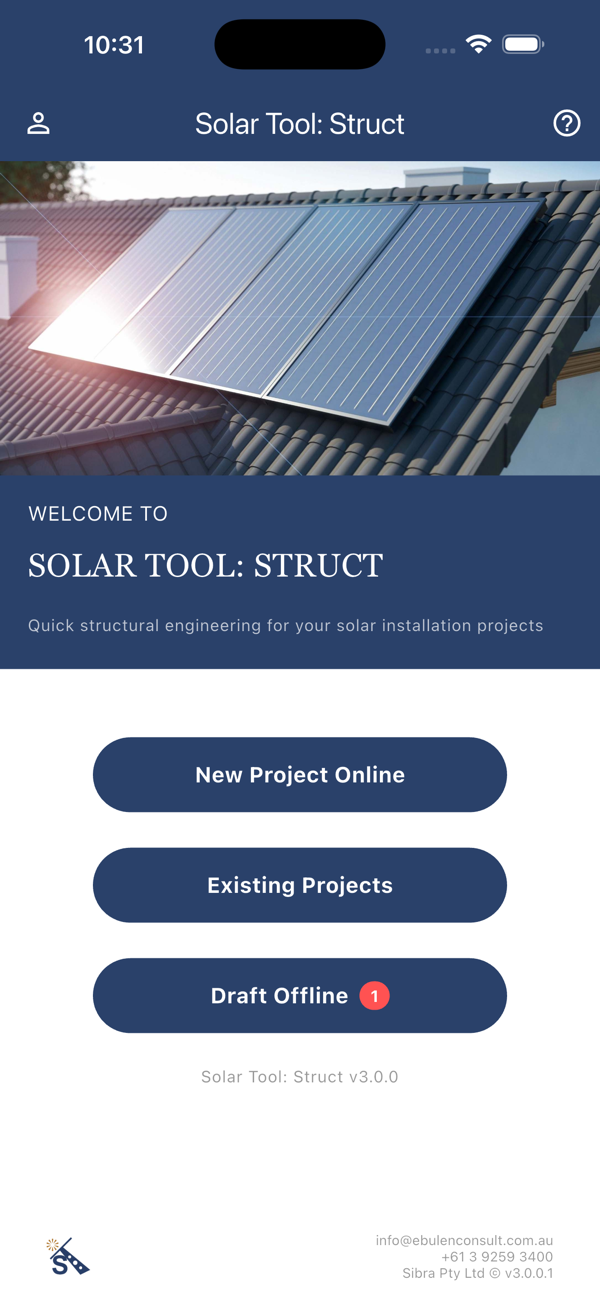
Solar Tool: Struct puts rapid roof assessments to AS/NZS 1170, inspection checklists, project management and engineering certificates in one app — from the engineers who certify solar Australia-wide.
Free to download · iPhone & iPad · Android · Web · pay-as-you-go calculation packs
The engineering, visualised.
Every assessment starts with the structure: spans, rafters, fixings and wind. Drag the model to explore what Solar Tool: Struct evaluates on every roof.
Try the real thing — load the live Solar Tool: Struct web app right here, or open it full-screen in a new tab.
From site visit to certificate.
Engineering-grade calculations, on the spot.
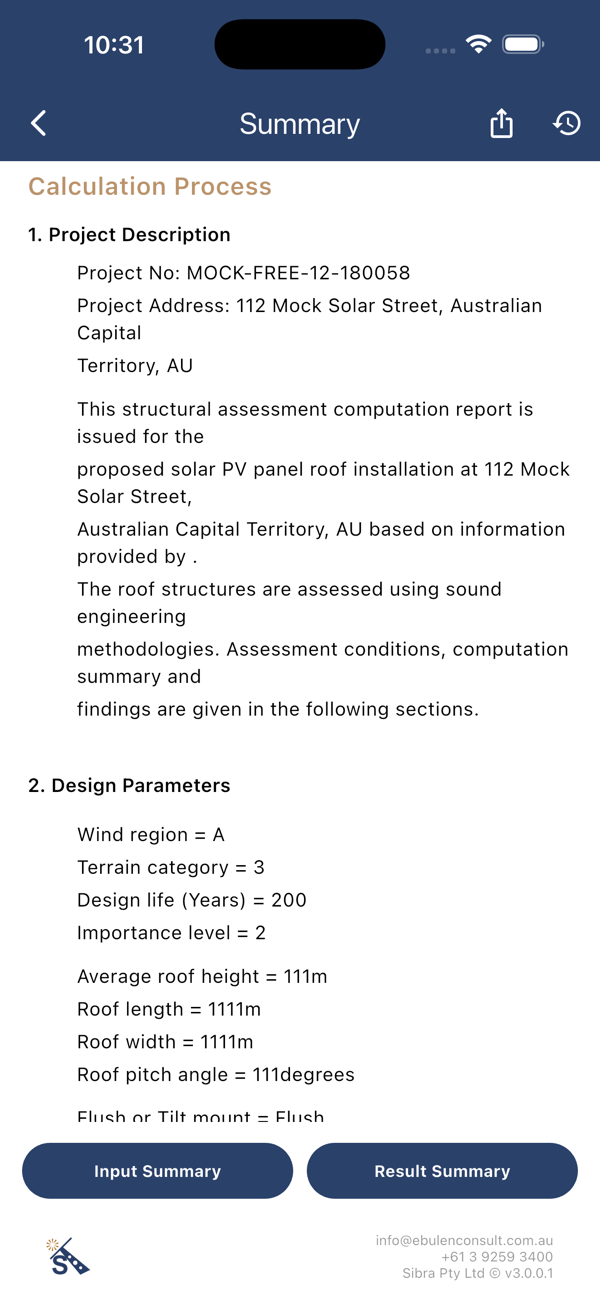
Enter the roof and site parameters and Solar Tool: Struct runs a rapid structural assessment of the objective roof, with installation guidance in compliance with AS/NZS 1170 and other relevant standards.
- Wind region, terrain category, design life and importance level
- Roof geometry, structure type and flush or tilt mounting
- Clear input and result summaries in a calculation report
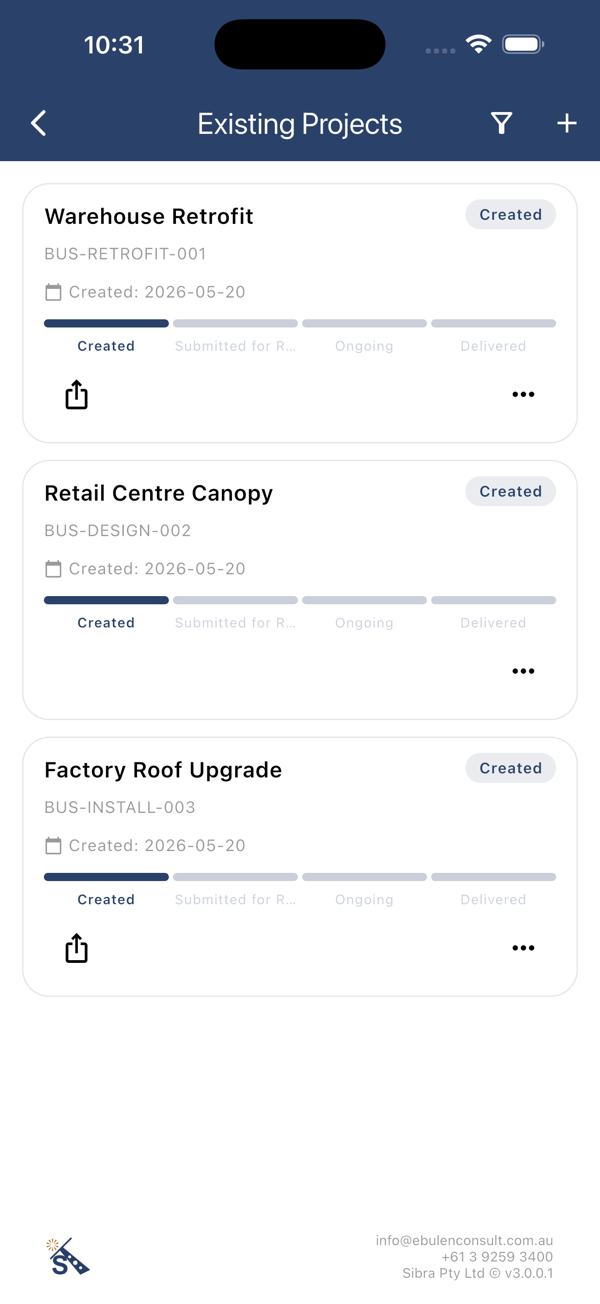
Every project traceable, manageable, editable.
A roof structural inspection checklist guides the site visit, and each project moves through a clear pipeline — Created, Submitted for Review, Ongoing, Delivered — with your whole team on board.
- Roles for installers, install crews and designers
- Photos, manual records, attachments and an activity log
- Draft offline on site, sync when you're back in range
A real engineering certificate behind every pass.
When the assessment stacks up, an engineering certificate is available based on the outcomes — issued by the chartered engineers at Ebulen Consult, the team behind 3,300+ certified solar projects.
- Certificates grounded in AS/NZS 1170 assessment outcomes
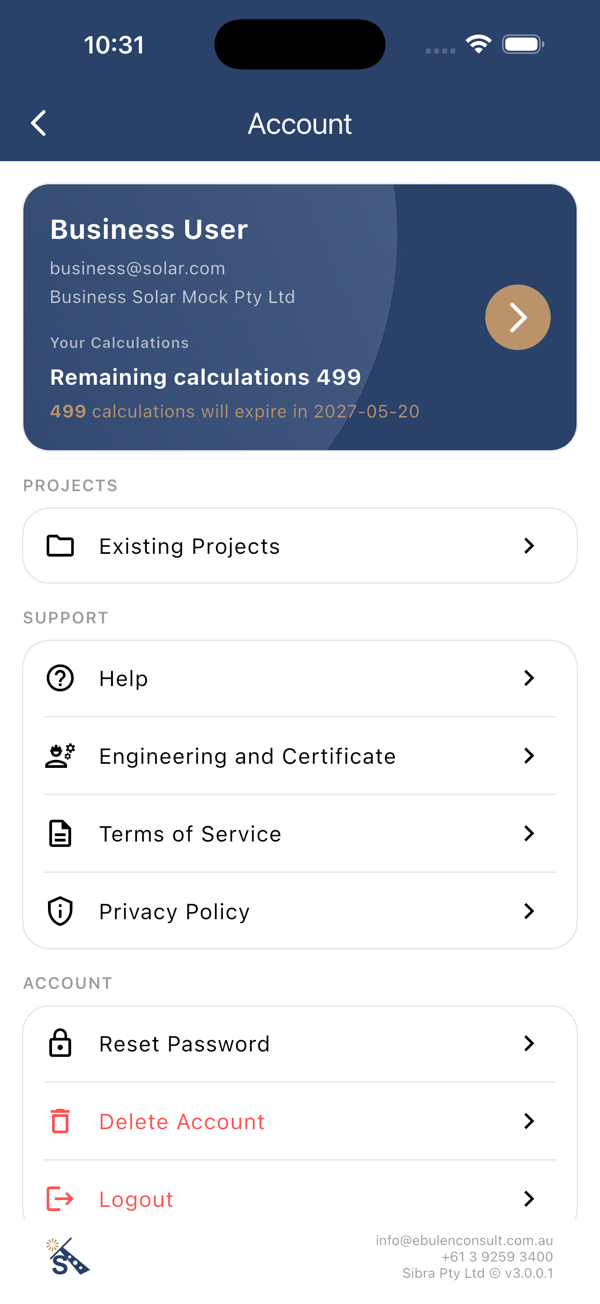
- Business accounts with shared calculation credits
- Free app — pay only for the calculations you run
It is a great initiative from Ebulen in creating the Solar Tool Struct, which impressively saves a lot of time and cost for the structural certification. By using the APP, we can eliminate the days taken for the installer to return the information gathered from their site inspection, as all structural data can be filled on site — which saves a lot of back and forth and reduces the time taken for the structural certification process. Moreover, we can get a preliminary result from the APP, which gives us an indication of the structural integrity of the building. Great interactivity. Looking forward to continuing using this APP for upcoming projects.
Four steps to a compliant install.
Inspect
Walk the roof with the structural inspection checklist — photos, records and structure details captured as you go.
Assess
Run a rapid structural engineering assessment against AS/NZS 1170 with your site's wind region and terrain.
Certify
Request an engineering certificate based on the assessment outcome, backed by Ebulen Consult's chartered engineers.
Deliver
Install to the guidelines and hand over a standards-compliant, reliable final product — fully traceable in the app.
Learn it in two sittings.
Two guided training videos (second edition) walk you through Solar Tool: Struct — from your first project to a delivered engineering certificate.
Common questions, answered.
Does the app issue a real engineering certificate?
Yes. When an assessment passes, an engineering certificate is available based on the outcomes — issued by the chartered engineers at Ebulen Consult, the team behind 3,300+ certified solar projects.
Which standards does it assess against?
Assessments follow AS/NZS 1170, using your site's wind region, terrain category, design life and importance level, with installation guidance to the relevant standards.
How much does Solar Tool: Struct cost?
The app is free on iPhone, iPad, Android and the web. You pay only for the calculations you run, and business accounts share calculation credits across the team.
What roof details does an assessment need?
Roof geometry, structure type and flush or tilt mounting, plus the site parameters above. The in-app inspection checklist captures everything during the site visit.
Can installers use it without an engineer on site?
Yes. The checklist guides the site visit, and roles for installers, install crews and designers keep the whole team on one traceable project pipeline. Certification itself is completed by Ebulen Consult's engineers.
Does it work offline on site?
Yes — draft your project offline on the roof and sync when you're back in range.
Who is behind Solar Tool: Struct?
Ebulen Consult — a Melbourne structural and civil engineering consultancy that has engineered and certified 3,300+ solar projects across every Australian state and territory.
Where can I get it?
Download it from the App Store or Google Play, or open the web app in your browser.
Scan, download, assess.
Solar Tool: Struct is free on iPhone, iPad, Android and the web.
 App Store
 Google Play